Your own Crewtavo, ready in a few minutes.

Crewtavo runs in your own account at Railway, a hosting company, so your business data stays yours. Create a free Railway account, approve the setup, and Crewtavo sets itself up and opens for you. Nothing to install.

Here’s what you’ll click on Railway

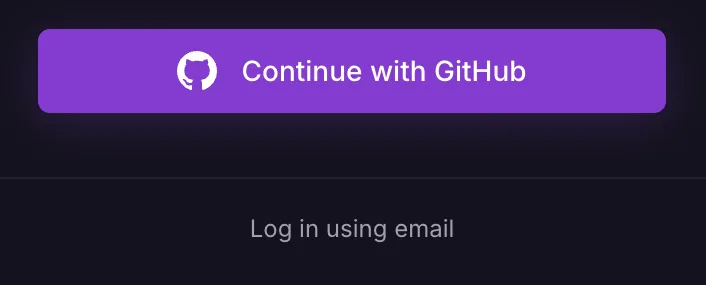
  1. 1Click “Log in using email” under the purple button.

    Railway’s sign-in screen. “Log in using email” is circled, below the Continue with GitHub button.

    Already use GitHub? You can click the purple button instead.

  2. 2Choose Google, or type your email

    Continue with Google or you@yourcompany.com Continue with Email

    With email, Railway emails you a short code to type in. If it asks, tick “Verify you are human”.

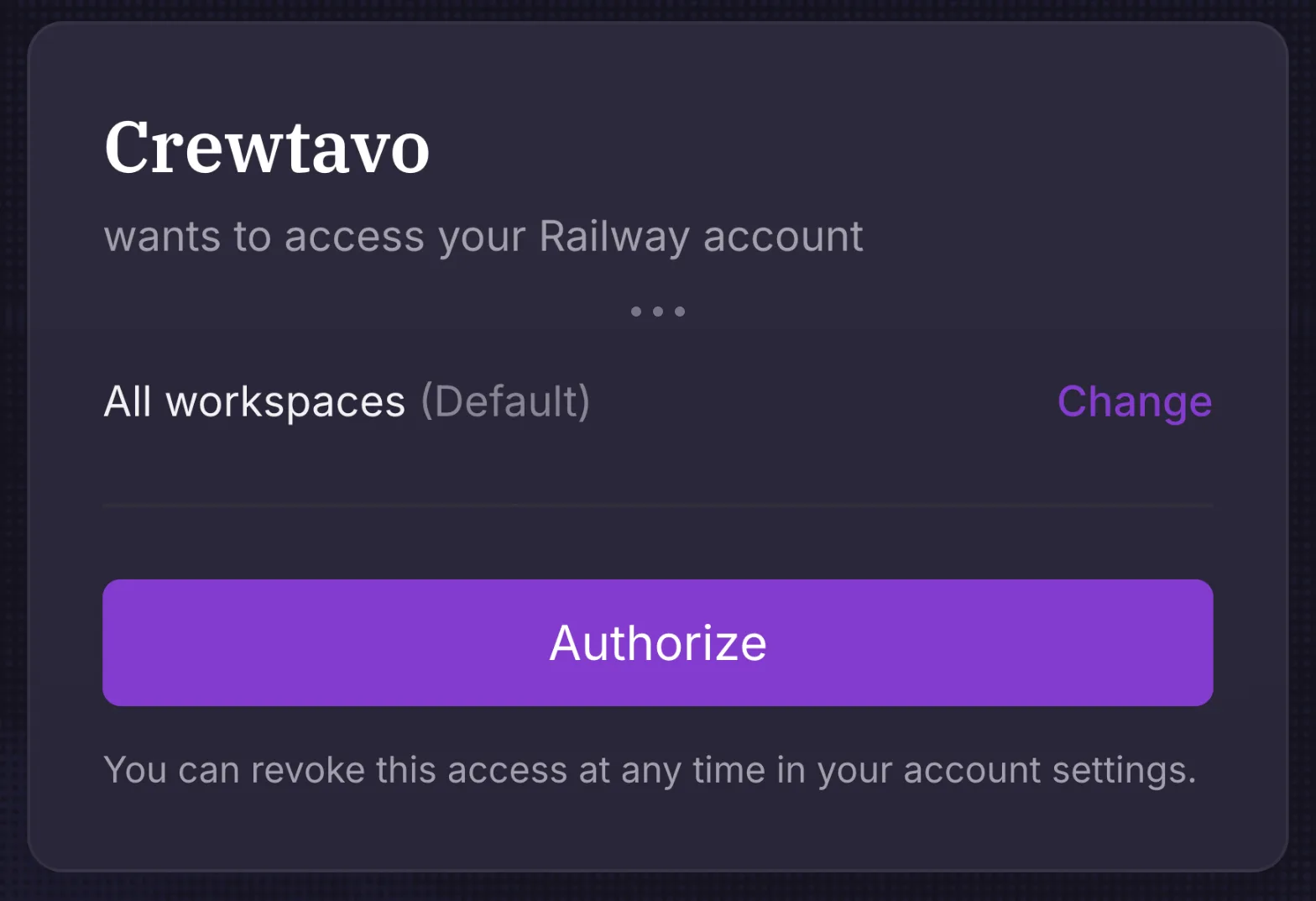
  3. 3Click “Authorize” to let Crewtavo set itself up.

    Railway’s approval screen: “Crewtavo wants to access your Railway account”, with the purple Authorize button circled.

    We use this once, to create your Crewtavo, and don’t keep it. You can remove it in Railway any time.

Then Crewtavo sets itself up and opens on its own, usually within a few minutes.

Continue with Railway

What it costs

Crewtavo
Free for up to 50 employees.
First 30 days
Free, on Railway’s trial ($5 of credit).
After that
Railway’s Hobby plan: $5 a month, including $5 of usage.

Before your trial ends, add a card in Railway and choose the Hobby plan. Otherwise Railway stops your Crewtavo when the free credit runs out, and deletes trial data 30 days after that.

Finding your Crewtavo later

Your Crewtavo has its own address, like crewtavo-production-1a2b.up.railway.app. Bookmark it when it opens, and share it with your team.

Lost it? Sign in to Railway, open the project called Crewtavo, and click the crewtavo box. The address is at the top. You can also give it your own domain later.

Already use Railway?

You can skip the guided setup and deploy the Crewtavo template from Railway’s own page. You’ll find your Crewtavo’s address on the crewtavo service when it’s done.

Open the Railway template